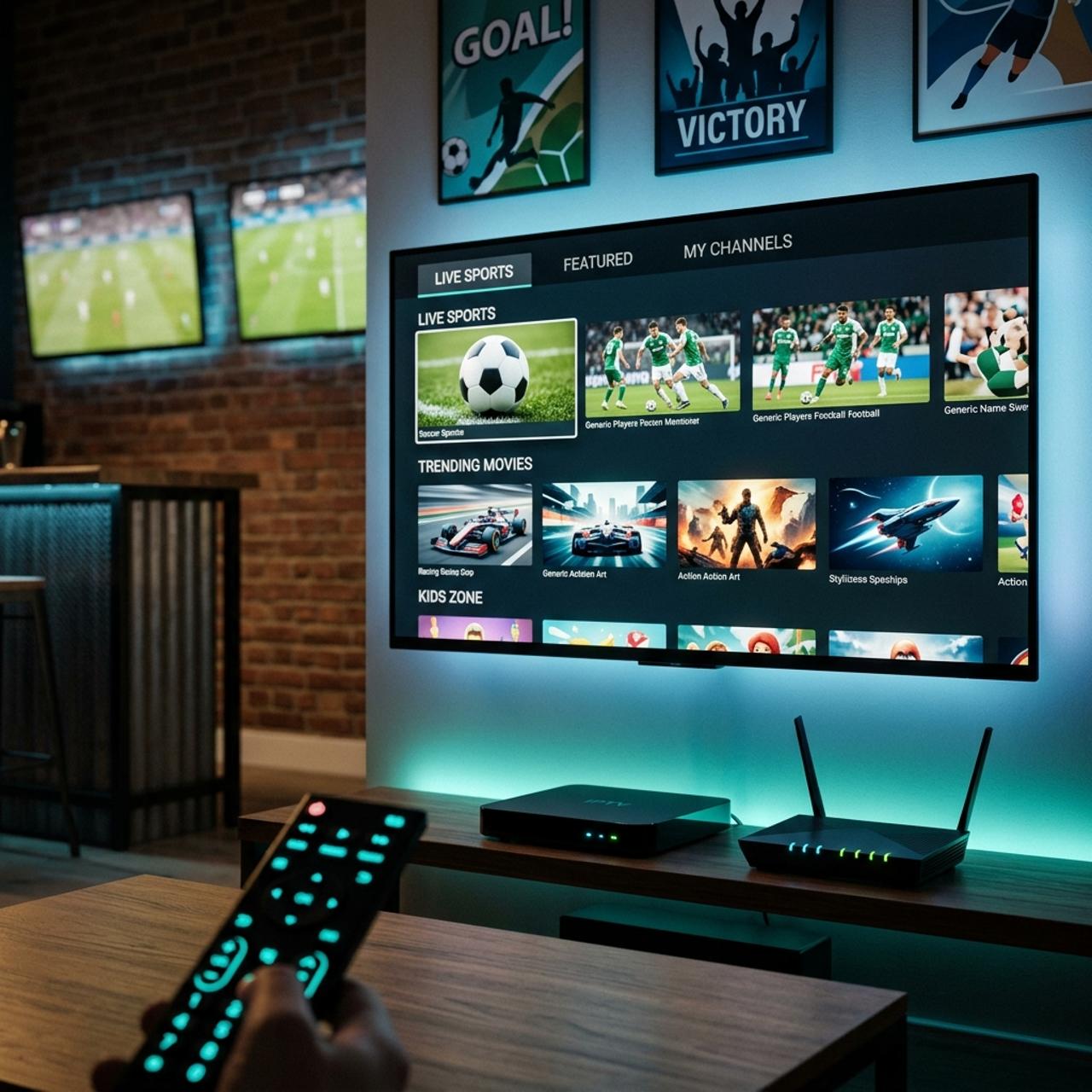
Discover the Best Top Rated IPTV Subscriptions for 2026
Tired of paying $150+ a month for a cable bundle that barely delivers half the channels you actually watch? You're not alone. Millions of cord-cutters are making the switch to IPTV but here's where most people get burned: they pick the wrong service, set it up incorrectly, and end up with more buffering and frustration than they ever had with their old cable box. This guide cuts through the noise and walks you through exactly how to find and set up a top rated IPTV service that actually works on your Firestick, Android TV, Smart TV, or any other device you prefer.
Choosing a top rated IPTV provider isn't just about price: it's about uptime reliability, server stability, and whether the service holds up during peak hours like Sunday night football or a UFC main event. Getting this right means the difference between a cinema-quality living room experience and a pixelated, stuttering mess that makes you want to throw the remote through the wall.
Core Concepts & Need-To-Know Info
- M3U Playlist / M3U URL: This is a text-based file that your IPTV app reads to load your channels. Your provider sends you a link and you should guard this URL carefully.
- Xtream Codes API: Many top-tier IPTV apps like TiviMate and IPTV Smarters support Xtream Codes login, which gives you a URL, username, and password instead of a long M3U link. It's faster and more stable.
- EPG (Electronic Program Guide): This is your on-screen TV guide. A quality provider will include an EPG URL so you can see what's on now and upcoming.
- VOD (Video on Demand): Beyond live TV, most IPTV services include a full movie and series library accessible directly through your app.
- Server Location & CDN: The closer the IPTV server is to your location, or the better their CDN infrastructure, the lower your latency and the less buffering you'll experience.
- ISP Throttling: Your Internet Service Provider may intentionally slow down streaming traffic. This is one of the top causes of buffering on otherwise fast connections, and a VPN is the standard fix.
- Concurrent Connections: Most IPTV plans limit how many devices can stream simultaneously. A 2-connection plan is fine for most households; 4+ is ideal for families.
Step-by-Step Guide: Setting Up a Top Rated IPTV Service on Firestick
- Step 1: Enable Apps From Unknown Sources:
- Go to your Firestick home screen, then Settings, then My Fire TV, then Developer Options, and toggle Apps from Unknown Sources to ON. This is required before you can install any third-party IPTV app.
- Step 2: Install the Downloader App:
- From the Firestick home screen, use the search bar to find Downloader by AFTVnews. Install it: it's free and available directly in the Amazon App Store. Open it once to accept permissions.
- Step 3: Download TiviMate or IPTV Smarters Pro:
- Open Downloader and enter the URL for your chosen IPTV app. For TiviMate, use the official APK URL from their website. For IPTV Smarters Pro, go to iptvsmarters.com and grab the Android TV APK. Once downloaded, tap Install and wait for it to complete.
- Step 4: Launch the App and Choose Your Login Method:
- Open TiviMate or Smarters. You'll be prompted to add a playlist. Select Xtream Codes API if your provider gave you a URL/username/password, or select M3U URL if they sent you a direct playlist link. Xtream Codes is the preferred method for stability.
- Step 5: Enter Your Provider Credentials:
- Type in your server URL exactly as provided with no extra spaces and no missing colons. Enter your username and password. Tap Add or Connect. The app will begin loading your channel list, which can take 30 seconds to 2 minutes depending on how large the playlist is.
- Step 6: Set Up Your EPG:
- Once your channels load, navigate to the settings within TiviMate, then EPG, and enter the EPG URL your provider gave you. Set the refresh interval to every 24 hours. This gives you a full program guide without manually refreshing.
- Step 7: Organize Your Favorites:
- Don't scroll through 10,000 channels every time you want to watch ESPN. In TiviMate, long-press any channel and add it to a favorites group. Create groups like Sports, Movies, News, and Kids to keep things clean and fast.
- Step 8: Test Your Stream Quality:
- Navigate to a live sports or HD news channel and let it play for 2-3 minutes. Watch for buffering, pixelation, or audio sync issues. If everything looks clean, your setup is solid. If you see issues, jump to the troubleshooting section below.
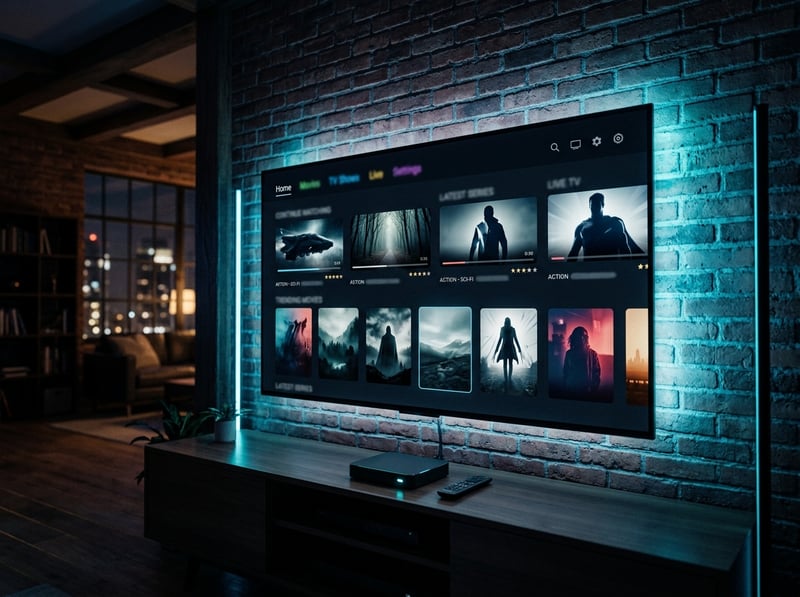
Imagine this: it's the Super Bowl, your friends are over, and right at kickoff your stream dies because your reseller's server is overloaded, or worse, your ISP throttled your connection. These aren't hypothetical situations; they happen constantly with low-quality providers. Doing the research upfront, connecting through a quality VPN, and choosing a proven service protects you from exactly these nightmare scenarios on the biggest streaming nights of the year.
Best VPNs to Stop ISP Throttling on IPTV
ISP throttling is silent and invisible: your speed test looks fine, but your IPTV stream buffers constantly. A VPN encrypts your traffic so your ISP can't identify and throttle your streaming data. ExpressVPN is consistently the fastest for streaming, with servers optimized for IPTV traffic and a dead-simple Firestick app. NordVPN offers an excellent server network, strong encryption, and their NordLynx protocol delivers some of the fastest speeds available. Surfshark is the best budget option that doesn't sacrifice performance and allows unlimited device connections, which is perfect if you're running IPTV on multiple screens simultaneously. IPVanish is particularly popular in the IPTV community because it's one of the only major VPNs that allows you to install it directly on a router, protecting every device in your home at once. Always connect your VPN before opening your IPTV app, as connecting after can sometimes cause the app to cache your real IP, reducing the VPN's effectiveness during that session.
Common Setup Mistakes and How to Fix Them
Even with a top rated IPTV subscription, setup errors can make the experience feel like garbage. Installing the mobile APK of IPTV Smarters instead of the Android TV version results in a phone-sized interface on your 65-inch TV, so always download the TV-specific version. Many users load channels and never set up the guide, and without EPG you can't see what's currently playing or schedule recordings in TiviMate. After 2-3 weeks of use, cache buildup causes apps to slow down, crash, or fail to load playlists, so go to Settings, then Apps, then TiviMate, and clear the cache every week or two. A wired Ethernet connection to your Firestick using an OTG Ethernet adapter eliminates 90% of wireless-related buffering issues instantly and is a $10 fix that makes a massive difference. TiviMate's built-in player is good, but for problematic streams, switching to ExoPlayer or assigning MX Player as your external player often resolves audio/video sync issues.
Recommended Apps: TiviMate vs IPTV Smarters Pro
TiviMate is widely considered the gold standard for Firestick and Android TV. Its interface mirrors a traditional cable guide, it handles large playlists of 10,000+ channels without slowing down, and the companion app lets you manage everything from your phone. The premium version at roughly $5/year unlocks multi-playlist support, recordings, and parental controls, making it a no-brainer. IPTV Smarters Pro is excellent for users who want a more app-like interface with clear VOD and series sections. It's free, supports Xtream Codes natively, and works well on phones and tablets in addition to TV devices. If you watch a lot of VOD content, Smarters' movie and series browser is arguably better organized than TiviMate's. GSE Smart IPTV is a solid third option, particularly popular on iOS devices and Apple TV, offering robust M3U playlist management and EPG support. For most Firestick users watching primarily live TV and sports, TiviMate Premium is the clear winner.
Network Requirements for 4K Streaming
Your IPTV service and app setup can be perfect and you'll still buffer if your network isn't up to the task. SD streams require 5 Mbps, HD streams need 10-15 Mbps, and true 4K IPTV streams demand 25-50 Mbps dedicated to that single stream. If your Firestick is in a room far from your router, invest in a mesh Wi-Fi system like Eero or TP-Link Deco, or run an Ethernet cable, as dead zones and weak Wi-Fi signals are silent buffering culprits. Log into your router's admin panel and enable Quality of Service (QoS) to prioritize your streaming device's MAC address so your IPTV traffic always gets bandwidth priority over background devices. It sounds basic, but routers accumulate connection overhead over time, so a weekly reboot keeps your connection fresh and your speeds consistent.
Troubleshooting: Fixing Playlist Errors and Buffering
When things go wrong with a top rated IPTV service, these are the fastest fixes. If your playlist fails to load, double-check your M3U URL or Xtream Codes credentials character by character, and if the credentials are confirmed correct, your provider's server may be temporarily down so wait 15-30 minutes and retry. If specific channels buffer while others don't, this points to a server issue on that particular channel stream and not your connection, so try an alternate stream version as most providers offer multiple stream links per channel. If all channels buffer simultaneously, this is almost always an ISP throttling issue or a local network congestion problem, so connect your VPN and test again while also running a speed test on your streaming device directly. If the app crashes on startup, clear the app's cache and data, then re-add your playlist, and if the crash persists, uninstall and reinstall the APK entirely. If EPG is not showing program info, your EPG URL may have changed, so contact your provider for an updated EPG link or try XEPG aggregators to generate a fresh one.
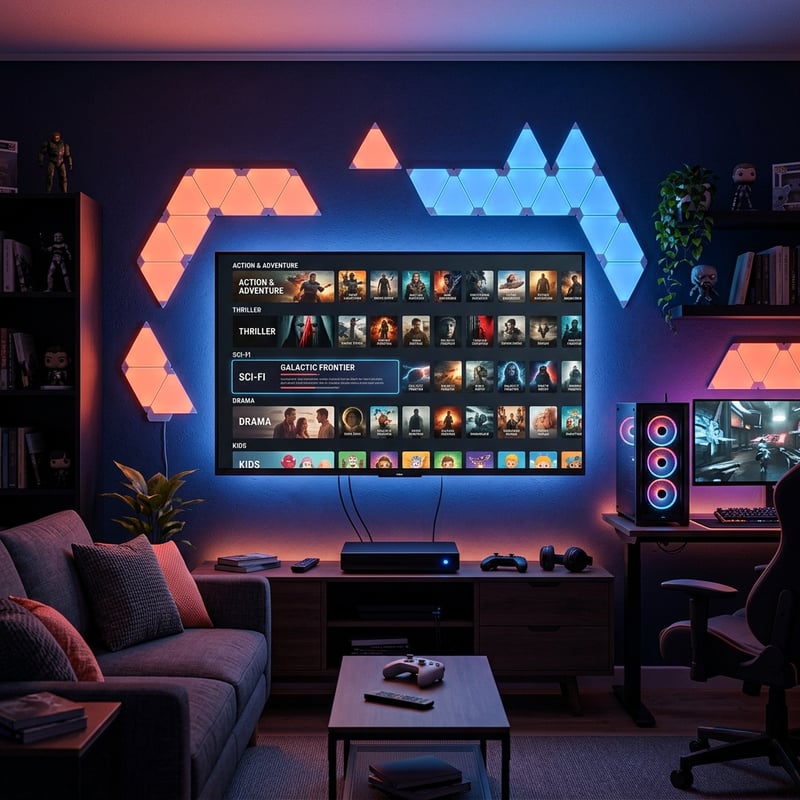
Getting the most out of your IPTV setup is an ongoing process and not a one-time install, as the best streaming experiences come from users who treat their setup like any other piece of home entertainment equipment by maintaining it, updating it, and optimizing it regularly. With a top rated IPTV service, the right app, a quality VPN, and a solid network foundation, you're looking at a streaming experience that genuinely rivals traditional cable, so explore our channel list and pricing plans today to get started.
Frequently Asked Questions
Ready to get started?
Try our service risk-free with a 24-hour free trial.
Related Articles
Free IPTV Playlists and M3U Links What Actually Works in 2026
Free IPTV playlists promise thousands of channels without paying a dime, but most links die within 48 hours or freeze during peak hours. This guide breaks down where to find genuine legal public M3U playlists, the hidden risks of scraper links, how to test URLs in VLC, and why a low-cost trial is the smarter move for daily streaming.
How to Get IPTV: Your Complete Guide for 2026
Discover how to get IPTV subscriptions and troubleshoot issues.
How to Get IPTV Smarters Pro on Firestick: A Step-by-Step Guide
Discover the easiest way to install IPTV Smarters Pro on Firestick.