

Discover the Best IPTV UK Subscriptions for 2026: Reviews & Tips

Cutting the cord in the UK has never been more tempting — Sky, BT Sport, and Virgin Media bills are climbing while your patience for overpriced bundles runs out. The problem most people hit isn't finding an IPTV service; it's getting it set up correctly so it actually works without constant buffering, freezing on a penalty kick, or crashing mid-episode. If you've already tried once and given up, or you're starting fresh and want to do it right the first time, this is the complete guide to finding and running the best IPTV UK service in 2025.
Getting your IPTV setup wrong means dropped streams at the worst possible moments, permanent bans from dodgy free providers, or your ISP throttling every packet you send. Investing five minutes in understanding how to set it up properly saves hours of frustration later.
Core Concepts & Need-To-Know Info
- M3U Playlist URL: This is a web link (ending in .m3u or .m3u8) that contains every channel your provider offers. You paste it into your player app and it populates your channel list automatically.
- Xtream Codes API: An alternative login method using a server URL, username, and password. More stable than M3U for large channel lists and allows EPG (Electronic Programme Guide) to load faster.
- EPG (Electronic Programme Guide): The on-screen TV guide showing what's on now and next. A good UK IPTV provider will supply a UK-formatted EPG URL so your guide matches actual broadcast times.
- VOD (Video On Demand): Your library of movies and TV series stored on the IPTV server. Quality providers carry 10,000+ titles in HD and 4K.
- ISP Throttling: UK internet providers (BT, Sky, Virgin, Vodafone) actively throttle IPTV streaming traffic. This is one of the leading causes of buffering even when your broadband speed test looks fine.
- VPN: A Virtual Private Network encrypts your traffic so your ISP cannot identify or throttle IPTV streams. It is the single most effective fix for buffering caused by ISP interference.
- Buffer Size Settings: Inside apps like TiviMate and IPTV Smarters Pro, you can manually increase the buffer allocated to your stream, which prevents micro-freezes on slower connections.
Step-by-Step Guide
- Step 1: Enable Apps from Unknown Sources:
- On your Firestick, go to Settings, My Fire TV, Developer Options, and turn on Apps from Unknown Sources. Without this, you cannot sideload your IPTV player app. On newer Fire OS versions the setting is labelled Install Unknown Apps.
- Step 2: Download and Install the Downloader App:
- From the Amazon App Store, search for Downloader by AFTVnews and install it. Open it, grant storage permissions, and you're ready to sideload any APK. This is the gateway to installing TiviMate, IPTV Smarters Pro, or GSE Smart IPTV.
- Step 3: Install TiviMate or IPTV Smarters Pro:
- In the Downloader URL bar, type the direct APK download link for TiviMate (available on the official TiviMate website) or search IPTV Smarters Pro directly from the Amazon App Store. TiviMate is the preferred choice for UK users because of its clean EPG layout and multi-panel view for sports. Install and open the app.
- Step 4: Add Your IPTV Subscription:
- When TiviMate opens, tap Add Playlist. Choose either M3U Playlist and paste your provider's M3U URL, or choose Xtream Codes API and enter your portal server address, username, and password exactly as supplied. Even one misplaced character breaks the connection entirely.
- Step 5: Set Up the EPG:
- After your playlist loads, go to TiviMate Settings, EPG, and enter your UK EPG URL (your provider supplies this). Set the EPG refresh interval to every 24 hours. This keeps your TV guide accurate and synced with UK broadcast times including BST/GMT switches.
- Step 6: Connect a VPN Before You Stream:
- Install a VPN app (ExpressVPN or NordVPN both have native Firestick apps in the Amazon App Store). Open the VPN, connect to a UK server, then launch TiviMate and start streaming. This single step eliminates ISP throttling and is non-negotiable if you're on BT, Sky Broadband, or Virgin Media.
- Step 7: Increase the Buffer Size:
- Inside TiviMate, go to Settings, Playback, External Player Buffer. Set this to at least 10 seconds. If you're on a connection slower than 30 Mbps, raise it to 20-30 seconds. This prevents the app from stalling while loading heavy 4K streams.
- Step 8: Test Across Channel Categories:
- Load a live sports channel, a standard SD channel, and a VOD title. Check that all three work without freezing. If one category buffers while others don't, the issue is usually stream-specific rather than your setup — contact your provider for a server swap.

Imagine settling in to watch a Champions League final, kick-off in two minutes, and your stream freezes at 0-0 because you skipped the VPN setup. Or you've bought a 12-month IPTV subscription from a provider with no trial, only to find out half the UK channels aren't on their playlist. These are real scenarios that cost real money and ruin real evenings. The warnings above exist specifically because thousands of UK users experience exactly these problems every week.
Best VPNs to Stop ISP Throttling for UK IPTV
ISP throttling is the silent killer of IPTV in the UK. BT and Virgin Media are particularly aggressive at identifying and slowing streaming traffic during peak hours (7 pm-11 pm). Here are the only VPNs worth using:
- ExpressVPN: The fastest option for Firestick with a native Amazon app. MediaStreamer feature allows you to protect smart TVs that don't support VPN apps natively. Consistently unthrottled speeds even at 9 pm on a Friday.
- NordVPN: Offers Meshnet and obfuscated servers that disguise VPN traffic as regular HTTPS, making it nearly impossible for ISPs to block. Best value for annual plans and excellent UK server count.
- Surfshark: The budget option that punches well above its price. Unlimited simultaneous connections means you can protect every streaming device in your house on one subscription.
- IPVanish: Popular specifically in the IPTV community for its fast server switching and compatibility with Kodi, TiviMate, and IPTV Smarters Pro simultaneously.
Always connect to a UK server when streaming UK IPTV. Connecting to a US server adds unnecessary latency and can affect EPG accuracy for UK broadcast times.
TiviMate vs IPTV Smarters Pro: Which Is Better for UK Viewers?
Choosing the right player app is as important as choosing the right IPTV provider. Both apps support M3U playlists and Xtream Codes, but they're built for different users.
- TiviMate is the clear winner for living room TV viewing. Its multi-panel layout displays your channel list, current programme, and upcoming schedule simultaneously — exactly what you need when channel-hopping between Sky Sports Main Event and Sky Sports Premier League.
- IPTV Smarters Pro is better for users who want a Netflix-style VOD browsing experience. The interface organises movies and series into searchable categories with cover art, making it easier to find content quickly.
- TiviMate Premium (a one-time 3.99 purchase) unlocks multiple playlists, recording capabilities, and parental controls. For UK users with both a sports IPTV subscription and an entertainment subscription, this is essential.
- GSE Smart IPTV is worth mentioning as a third option, particularly for Apple TV and iOS users who find TiviMate unavailable on their platform.
Our recommendation: Install TiviMate as your primary app and IPTV Smarters Pro as your backup. If one has an outage or update issue, you switch immediately without missing anything.
Network Requirements for Smooth 4K IPTV Streaming
Your internet speed is the foundation of everything. Here's what you actually need, not what marketing materials claim:
- SD Channels (576p): Minimum 5 Mbps per stream. Virtually any UK broadband handles this without issues.
- HD Channels (1080p): 15-25 Mbps per stream recommended. Standard fibre broadband (BT, Virgin 100 Mbps) is sufficient if you're not running multiple streams simultaneously.
- 4K/UHD Channels: 50-80 Mbps per stream minimum. You'll need Virgin Media 200 Mbps or above, or full-fibre broadband (FTTP) from providers like Hyperoptic or Community Fibre.
- Wired connection always beats Wi-Fi. A 6 Amazon Ethernet adapter for your Firestick 4K reduces buffering incidents by roughly 70% compared to Wi-Fi on the same network.
- Router placement matters. Keep your router elevated, away from microwaves and cordless phone bases, and never inside a cupboard. These are the most common causes of unexpected Wi-Fi drops during live sport.
Troubleshooting Common IPTV Errors for UK Users
When something goes wrong, the solution is almost always one of these fixes:
- Blank channel list after adding M3U URL: Your URL has expired or contains a typo. Request a fresh URL from your provider and paste it directly without retyping.
- Channels load but freeze within 30 seconds: Classic ISP throttling signature. Enable your VPN immediately and reconnect to a UK server. If you already have a VPN running, switch to a different UK server location.
- EPG shows wrong times or blank guide: Your EPG URL needs refreshing. Delete it from TiviMate settings, re-enter it, and force a manual EPG update. Also check that your Firestick timezone is set to London (GMT/BST).
- Error 403 or authentication failed on Xtream Codes: Your credentials are correct but your account has been suspended, or you've exceeded your connection limit. Contact your IPTV provider directly. This is not a device problem.
- VOD loads slowly or won't play: VOD servers are separate from live TV servers. Ask your provider if they have a dedicated VOD portal URL. Some providers split their infrastructure and the default Xtream Codes login only points to the live server.
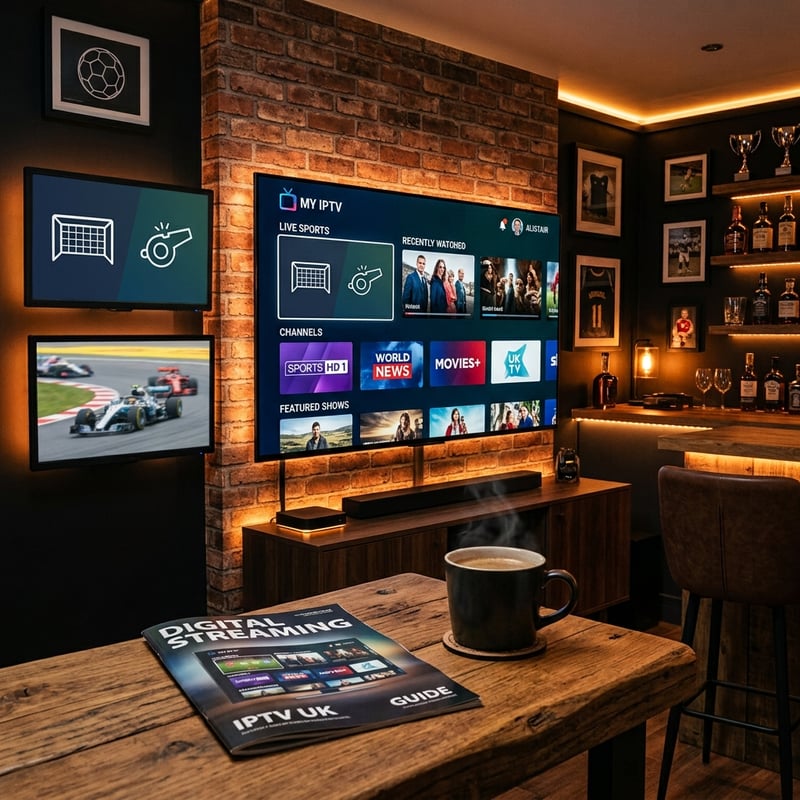
Finding the best IPTV UK service isn't just about picking the cheapest subscription you can find on a forum — it's about choosing a reliable provider, pairing it with the right player app, protecting your connection with a quality VPN, and setting everything up correctly from the start. The Premier League, Champions League, pay-per-view boxing, Sky Cinema, and tens of thousands of VOD titles are all waiting, so explore our channel list and pricing plans today to get started the right way.
Frequently Asked Questions
Ready to get started?
Try our service risk-free with a 24-hour free trial.
Related Articles
The Best Internet Plans for Streaming and How to Stop Overpaying in 2026
A practical cord-cutting guide to choosing the right internet plan for uninterrupted streaming without overspending on unnecessary gigabit speeds.
How to Cut the Cord Complete Guide to Replacing Cable TV in 2026
Cable bills averaging $150 per month in 2026 are driving millions of households to cut the cord permanently. This guide walks you through the entire process from auditing what you actually watch to choosing the right streaming services and equipment to replacing your cable subscription without losing a single channel you care about. Includes a worked cost example and the alternatives that replace each part of a cable package.
How to Get Free or Low-Cost Internet Service Through Government and Provider Programs
A practical guide to finding free and discounted internet service through federal assistance programs and provider discount tiers and student discounts and senior offers for qualifying households.