
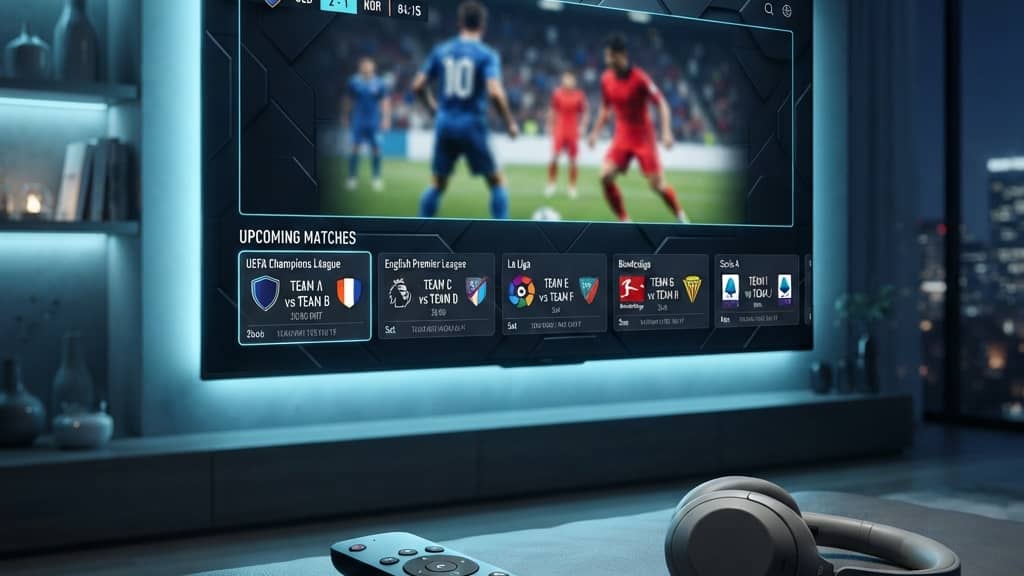
Roku Express vs Streaming Stick 4K Which Player Should You Buy in 2026

The Confusion Across the Budget Streaming Hardware Market
When you decide to upgrade a living room television or revitalize an older bedroom screen with modern streaming capabilities, visiting a retail electronics aisle can be surprisingly disorienting. You encounter an entire wall of compact cardboard boxes sporting virtually identical purple branding, similar pricing tiers, and confusingly subtle model distinctions. You see the entry-level Express, the upgraded Express 4K Plus, the compact Streaming Stick 4K, the premium Ultra LT, and various legacy models like the Premiere still floating around online marketplaces.
For the average household looking to cut the cable cord without overspending, the debate almost always narrows down to two specific contenders. Should you grab the thirty-dollar entry-level box and pocket the savings, or should you spend the extra twenty dollars for the flagship compact streaming stick? On paper, both devices run the exact same operating system, grant access to the identical Channel Store, and allow you to stream tens of thousands of movies and live television channels.
However, real-world daily performance involves far more than just menu layouts. The underlying silicon processor, the wireless radio architecture, the remote control communication protocol, and high dynamic range video decoding capabilities differ dramatically between these two price points. This comparison covers the key technical differences between the two models so you can pick the right media player for your viewing habits.
Form Factor Differences and Living Room Cable Clutter
The most immediately obvious distinction between these two devices lies in their physical chassis design. How each player integrates physically with your television screen impacts living room aesthetics, cable management, and long-term hardware reliability.
The standard roku express streaming player is a standalone micro set-top box measuring roughly three inches across. Because it is an independent box rather than a dongle, it must be mounted visibly on your television frame or rested on an entertainment console. It ships with a strip of double-sided adhesive tape designed to adhere the unit to the lower plastic bezel of your television. To connect it, you must run an HDMI cable from the player to your television port, alongside a separate USB power cord feeding from a wall outlet. On sleek, wall-mounted flat panels, keeping these multiple cords hidden is difficult.
In sharp contrast, the Streaming Stick 4K features a completely self-contained dongle form factor. The entire unit measures less than four inches in length and plugs directly into any available HDMI receptacle on the back or side of your television panel. Once inserted, the hardware vanishes entirely behind the screen. There are no exposed desktop boxes, no adhesive strips stuck to your television frame, and no visible interconnecting cables. For modern living rooms where minimalist aesthetics matter, the stick design delivers a vastly cleaner installation.
Video Decoding Capabilities and High Dynamic Range Support
Visual fidelity is the area where the technical gap between budget hardware and premium streaming tiers becomes unmistakable. Your choice between these models dictates whether your screen displays basic high definition or breathtaking cinematic color depth.
The baseline Express model tops out at standard 1080p Full HD resolution at 60 frames per second. It possesses zero capability to decode 4K video packets and lacks high dynamic range metadata decoding. If you connect a standard Express to a modern sixty-five-inch 4K television, your screen must artificially upscale the incoming 1080p image. On large displays, this upscaling produces soft text edges, washed-out color gradients, and noticeable visual noise in dark background scenes.
The Streaming Stick 4K is an absolute visual powerhouse. It features native silicon decoders for full 4K ultra-high-definition video, outputting 3840 by 2160 pixels at a fluid 60 frames per second. More importantly, it provides comprehensive support for every major high dynamic range standard, including HDR10, HDR10+, and Dolby Vision. Dolby Vision utilizes dynamic frame-by-frame color metadata to adjust brightness, contrast, and shadow detail in real time. When paired with a capable OLED or Mini-LED panel, the visual depth and color richness delivered by the stick are astonishingly superior to the standard box.
Comparing Remote Controls and Television Power Integration
How you interact with your television every evening has an enormous impact on daily viewing comfort. The remote control included with each player represents one of the most significant functional divergences in the entire product line.
The entry-level Express ships with a legacy roku players remote that relies entirely on classic infrared technology. Infrared remotes require an unobstructed, direct line of sight between the transmitter diode on the remote and the optical receiver window on the front of the player box. If a family member walks past the coffee table, or if you rest the remote at an angle, the player completely ignores your button presses. Furthermore, this basic infrared remote features zero microphone capabilities and cannot adjust your television volume or master power.
The Streaming Stick 4K includes the advanced Voice Remote, which communicates through high-frequency Wi-Fi Direct radio signals. Radio waves penetrate cabinet doors, couch cushions, and physical wall panels effortlessly. You can point the remote at the ceiling, hold it under a blanket, or lounge back without aiming, and every keypress registers instantaneously. Even better, this voice-enabled roku stick remote features programmable television controls. It learns your television infrared commands, allowing you to control panel power, adjust audio volume, and toggle mute using a single controller, permanently banishing your clunky master television clicker to a drawer.
Wireless Network Architecture and Antenna Signal Range
A streaming player can feature the fastest silicon processor in the world, but if its wireless receiver cannot maintain a stable, low-latency connection with your home router, your nightly viewing will be plagued by buffering spinners and resolution drops.
The standard Express represents the most vulnerable wireless design in the modern lineup. It features a basic, single-band 802.11b/g/n Wi-Fi antenna restricted entirely to the ancient 2.4 GHz frequency band. In modern households, the 2.4 GHz spectrum is severely congested with Bluetooth signals, smart lightbulbs, wireless doorbells, and neighboring home networks. In residential apartments or large suburban homes where the television sits two rooms away from the router, this single-band antenna struggles with packet loss and low throughput.
The Streaming Stick 4K solves this physical challenge through brilliant radio engineering. Because sticking a wireless antenna directly against the metal backplate of a television induces severe radio frequency interference, the manufacturer moved the entire dual-band wireless receiver into the external USB power cable. This long-range Wi-Fi receiver operates on both 2.4 GHz and the clean, high-throughput 5 GHz frequency band using 802.11ac MIMO architecture. The result is dramatically superior wireless range, low packet jitter, and sustained download speeds exceeding one hundred megabits per second, even through multiple drywall partitions.
Real World Performance and Menu Navigation Velocity
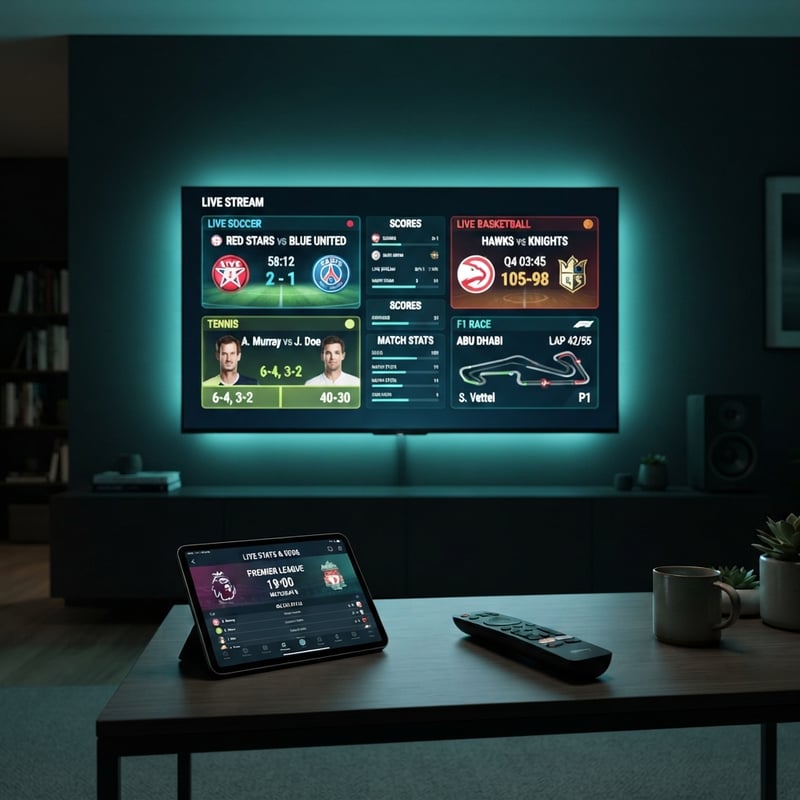
Specification sheets list clock speeds and memory capacities, but real-world performance is measured in the seconds it takes to launch an application, scroll through an extensive movie catalog, or switch between live broadcast feeds.
Under daily operational conditions, the performance gulf between these units is immediately noticeable. The standard Express utilizes an entry-level processor paired with 512 megabytes of system memory. Launching heavy, image-rich streaming applications takes anywhere from six to ten seconds. Scrolling through dense poster walls in media players produces visible menu stutter as the hardware processor pauses to render graphical thumbnails.
The Streaming Stick 4K packs a robust quad-core processor paired with a full gigabyte of high-speed memory. Application launches occur in under three seconds. Navigating through massive channel lists containing thousands of live feeds is fluid and responsive. More importantly, when streaming high-bitrate live athletic broadcasts, the stick hardware decoders maintain rock-solid sixty-frame-per-second output without dropping frames or desynchronizing audio tracks.
Where the Legacy Premiere and Ultra LT Models Stand Today
When researching budget hardware, you will inevitably encounter references to discontinued or specialized models like the roku premiere or the roku ultra lt. Understanding where these models fit prevents you from buying obsolete inventory.
The older Premiere was an intermediate box that offered basic 4K output at a budget price point. However, it was crippled by the exact same weak, single-band 2.4 GHz wireless antenna found in the basic Express, and it shipped with the same frustrating infrared remote. It has been officially retired and replaced by the modern Express 4K Plus, which includes dual-band wireless networking.
The Ultra LT sits at the opposite end of the spectrum. It is a full-sized desktop set-top box designed for power users who demand physical ethernet connectivity and micro-SD card expansion slots. While the Ultra LT is exceptionally powerful, it costs significantly more and occupies substantial physical space on your entertainment console. For ninety percent of viewers, the Streaming Stick 4K provides virtually identical wireless streaming performance at a much more attractive price.
Step by Step Installation Guide for Any Player Model
Regardless of which model you choose, understanding how to install a roku stick or set-top box properly ensures you avoid common hardware bottlenecks during your initial onboarding.
- Step 1 Connect Physical Hardware and Power
- Plug the Streaming Stick directly into an open HDMI port on your screen, or attach the Express box to your television bezel using the adhesive strip. Connect the power cable to the included wall adapter rather than a television service USB port to guarantee steady electrical current.
- Step 2 Pair Remote and Select Display Language
- Turn on your television and switch to the corresponding HDMI input. If installing a stick, pull the battery tab on the voice remote; the controller will pair automatically over Wi-Fi Direct. If installing an Express, aim the infrared clicker directly at the front receiver window.
- Step 3 Connect to High-Speed Wireless Network
- Select your home Wi-Fi network from the detected list. If using the Streaming Stick 4K or Express 4K Plus, always connect to your 5 GHz wireless network name to maximize throughput and eliminate wireless interference.
- Step 4 Complete Display Type Detection
- Allow the automated setup wizard to analyze your television display parameters over the HDMI handshake. The system will verify 4K resolution and high dynamic range compatibility, configuring optimal color depth automatically.
- Step 5 Link Account and Install Applications
- Input your user credentials or scan the on-screen activation code to link your hardware to your centralized profile. Once linked, the operating system will download your channel selections and finalize setup within minutes.
Final Verdict on Which Hardware Fits Your Viewing Needs
Choosing between the entry-level Express and the flagship Streaming Stick 4K ultimately comes down to matching hardware capabilities with your specific room environment and television hardware.
If you are equipping an inexpensive thirty-two-inch 1080p television in a guest bedroom, a children playroom, or a home gym where casual viewing is the primary requirement, the thirty-dollar Express provides solid value. It gives you access to every major streaming platform at the lowest possible entry price.
However, for your primary living room screen, your master bedroom display, or any setup paired with a 4K HDR television, spending the additional twenty dollars for the Streaming Stick 4K is one of the smartest investments you can make. The invisible hidden form factor, pristine Dolby Vision color fidelity, long-range dual-band wireless reception, and the immense daily convenience of a single remote that controls television power and volume make it the undisputed champion of the budget streaming landscape.
Take the time to evaluate your living room layout, consider your wireless router placement, and select the media player that will deliver seamless, high-definition entertainment to your household for years to come.
Frequently Asked Questions
Ready to get started?
Try our service risk-free with a 24-hour free trial.
Related Articles
Discover What an IPTV Player Is and How It Works
Explore the ins and outs of IPTV players and their features.
How to Screen Mirror and Cast to Roku from Any Device in 2026
A complete walk-through for screen mirroring and casting to Roku streaming sticks and smart TVs. Covers AirPlay for Apple devices, Miracast for Android, Windows display casting, and latency optimization.
Best IPTV Player for Windows PC in 2026: Top 5 Apps Compared
A 2026 comparison of the top IPTV player apps for Windows 10 and 11 on 4K decoding, EPG support, and CPU efficiency on desktop and laptop PCs.