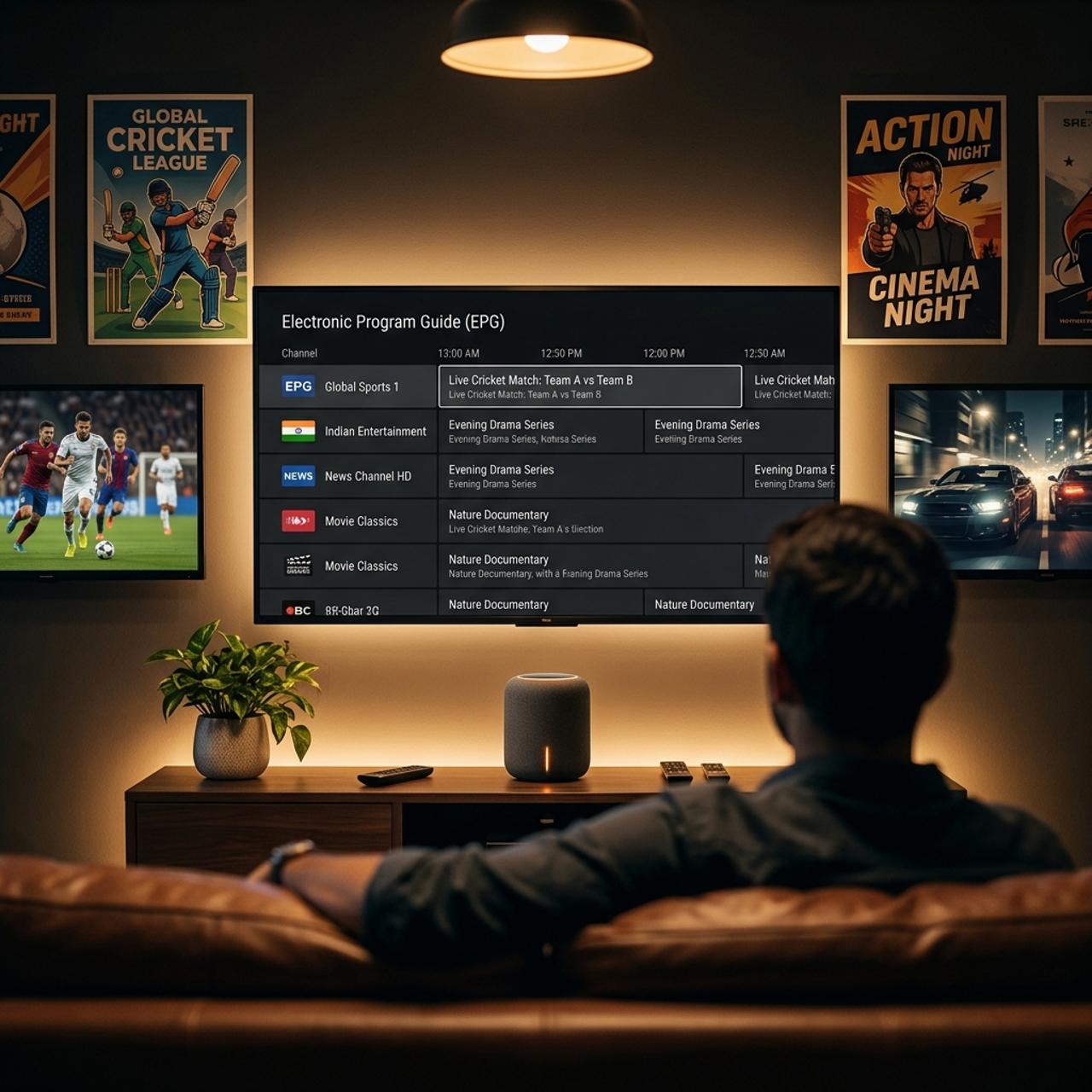
Best IPTV Players for Smart TV: Complete 2026 Samsung & LG Guide

When most people decide to cut the cord and switch to IPTV, they assume their first step has to be buying an external streaming stick like a Firestick or an Android box. But if you own a modern Samsung, LG, Sony, or TCL Smart TV, you might not need to spend an extra forty or fifty dollars on hardware at all. Modern Smart TV app stores have quietly added several high-performance IPTV players that run natively on Tizen OS and webOS. You download the app with your TV remote, plug in your subscription credentials, and you are streaming thousands of live channels in native 4K within minutes. However, Smart TVs have limited RAM and unique operating system quirks that make certain players run smoothly while others freeze constantly. I tested the top Smart TV IPTV apps on both Samsung and LG displays throughout 2026. Here is the definitive breakdown of which apps are genuinely worth installing.
The biggest advantage of running an IPTV app directly on your Smart TV is pure simplicity. You use one remote control for everything. You do not have to switch HDMI inputs, manage multiple remote batteries, or explain to family members how to navigate a separate streaming device. When you press the home button on your Samsung or LG remote, your IPTV app sits right next to Netflix and YouTube. If you are comparing your options, check out our real-world IPTV vs cable cost breakdown to see how much money this simple setup saves you every month.
Top 5 IPTV Players for Smart TVs in 2026 Ranked
- 1. IPTV Smarters Pro / Smarters Player Lite (Best Overall Free): The most popular choice for Samsung and LG TVs. It supports direct on-screen Xtream Codes API login, clean category grouping, fast EPG syncing, and multiple audio tracks. 100% free with no activation fee required.
- 2. IBO Player (Best Performance & Speed): Extremely lightweight and blazing fast on older Smart TVs. It loads huge 20,000 channel playlists in under ten seconds. Uses a simple web upload portal via your TV MAC address and Device Key. Costs a small one-time activation fee around $8 after a 7-day free trial.
- 3. Nanomid Player (Best Security & Customization): A premium, highly secure player for Samsung and LG with built-in VPN support and custom buffer controls. Delivers the smoothest 60 FPS sports playback on high-end OLED and QLED displays.
- 4. Smart IPTV (The Classic Veteran): One of the original Smart TV players. Very basic, text-focused interface that consumes almost zero TV memory. Great for older Samsung TVs with low storage, though the guide layout feels dated compared to modern alternatives.
- 5. XCIPTV (Best for Android TVs): If your Smart TV runs Google TV or Android TV (Sony, Philips, TCL, Hisense), XCIPTV offers a beautiful dual-player architecture with built-in ExoPlayer and VLC options.
Step-by-Step: How to Set Up IPTV on Samsung & LG TVs
- Step 1: Open Your TV Official App Store
- On a Samsung TV, press the Home button on your remote and select 'Apps' (Samsung Smart Hub). On an LG TV, select the 'LG Content Store' or 'Apps' icon. Make sure your television is connected to your home Wi-Fi or wired internet connection before searching.
- Step 2: Search for Smarters Player Lite or IBO Player
- Type 'Smarters Player Lite' or 'IBO Player' into the search bar. Click Install. The download takes roughly twenty seconds. Once installed, launch the app directly from your main TV home screen ribbon.
- Step 3: Choose Your Connection Method
- If using Smarters Lite, select 'Login with Xtream Codes API' on your screen. If using IBO Player, note down the 'MAC Address' and 'Device Key' displayed on your screen, then open the IBO upload portal on your phone or laptop browser to paste your subscription details.
- Step 4: Enter Your Provider Credentials
- Type in your Server URL, Username, and Password exactly as provided by your service. If you need a fresh test line, follow our IPTV free trial testing guide to get instant login credentials. Click 'Login' or 'Submit'.
- Step 5: Configure Output and Refresh EPG
- Once your channels populate, go into the app settings menu. Set your default stream format to 'MPEG-TS' for live broadcast channels and 'HLS' for on-demand movies. Click 'Refresh EPG' to lock in your local program schedule.
A neighbor recently asked me why his brand-new Samsung QLED kept crashing every time he opened his IPTV app. When we looked at his configuration, he had pasted a raw M3U text file with 45,000 international channels directly into an older player app. The TV 1.5 GB of system RAM simply ran out of memory trying to parse the file on every boot. We switched him to Smarters Player Lite using Xtream Codes API, hid the thirty country folders he never watched, and his TV now launches into live sports in less than three seconds. Matching the right app to your TV hardware makes all the difference.
Smart TV Built-In App vs Firestick: Which Is Better?
While native Smart TV apps are fantastic for convenience, it is important to understand their limitations. High-end players like TiviMate Premium are exclusively built for Android and are completely unavailable on Samsung Tizen or LG webOS. Furthermore, dedicated streaming sticks like the Firestick 4K Max have faster quad-core processors and better Wi-Fi 6 antennas. If you want a clean, single-remote setup for casual daily watching, your Smart TV built-in app is more than good enough. If you want advanced features like recording live television to USB or running 4-channel multi-view on fight nights, adding a dedicated streaming stick down the road gives you that extra power.
Fixing Common Smart TV Playback Issues
If you encounter freezing or audio sync issues on your Smart TV, the fix is usually simple. First, check your network connection. Built-in TV Wi-Fi chips often sleep or drop to 2.4 GHz frequencies. Connecting your TV to a 5 GHz Wi-Fi SSID or plugging an Ethernet cable into the back of your TV permanently solves packet loss. Second, if a specific 4K movie plays with video but no sound, go into the app player settings and switch audio output from 'Hardware' to 'Software' decoding to render Dolby and AAC audio tracks smoothly.
Running IPTV directly on your Smart TV gives you a seamless, cable-grade viewing experience with zero clutter and zero extra streaming boxes under your entertainment center. With the right player app installed and your channels neatly organized, you get instant one-click access to thousands of live networks, sports feeds, and 4K on-demand movies right from your factory remote. Explore our full channel packages, select the plan that fits your household, and start your risk-free 24-hour trial to enjoy flawless streaming on your Smart TV tonight.
Frequently Asked Questions
Ready to get started?
Try our service risk-free with a 24-hour free trial.
Related Articles
Discover the Best IPTV Services for Watching Ion Plus in 2026
Find the best IPTV services that stream Ion Plus effortlessly.
Most Affordable IPTV Providers in the UK (2026 Ranking)
Compare the best budget-friendly IPTV services in the UK to slash expensive cable bills.
How to Watch IPTV on VLC: A Complete 2026 Guide
Master watching IPTV on VLC with our easy guide.