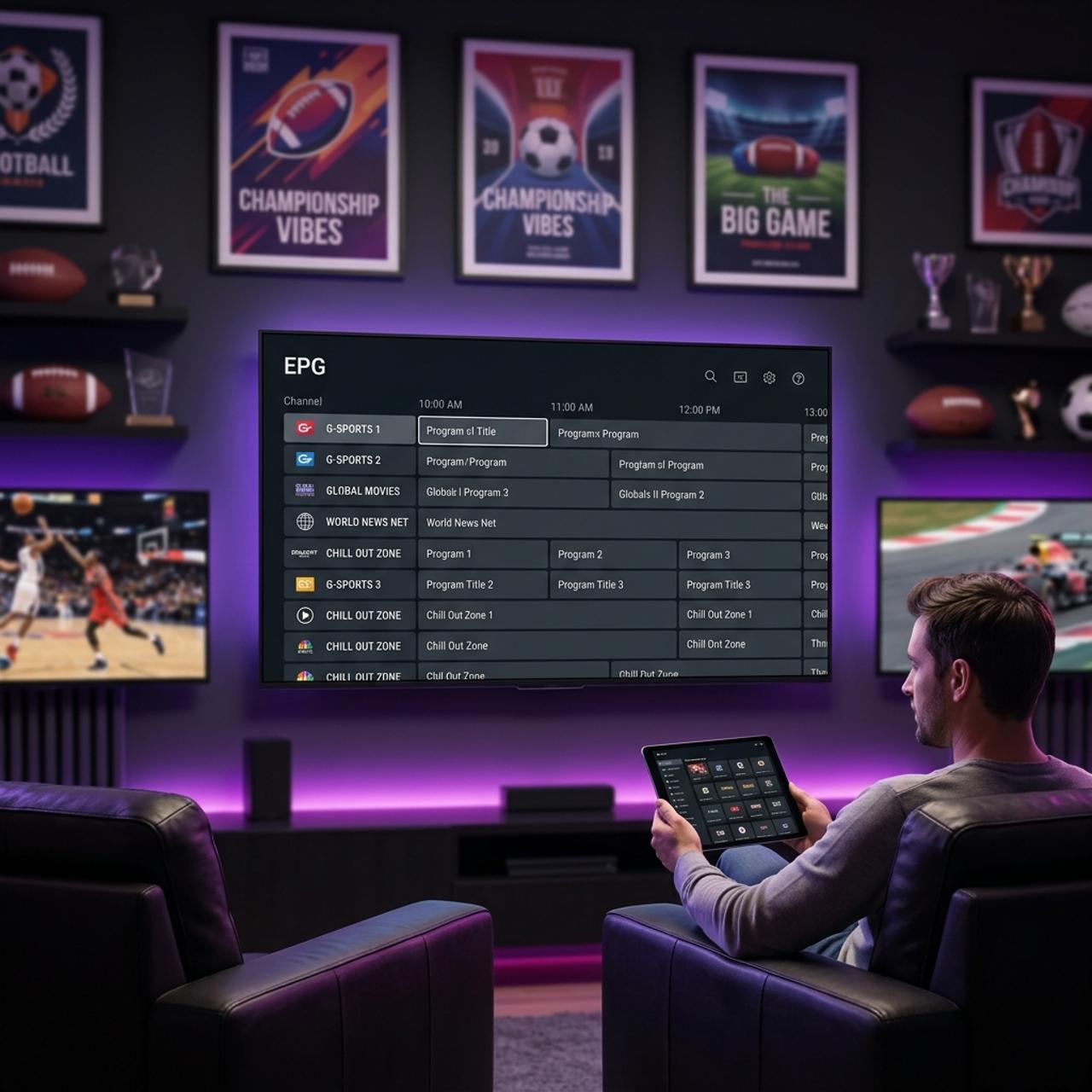
How Much Does IPTV Cost? Discover Pricing for 2026
Cutting the cord sounds great until you realize you have no idea what you're actually supposed to pay for IPTV — or whether the suspiciously cheap $5/month service on some random forum is going to buffer every three minutes during the game. You've probably seen prices ranging from $5 to $50 per month and wondered what the difference actually is, whether premium plans are worth it, and how to avoid getting ripped off. This guide breaks down exactly how much IPTV costs in 2025, what you get at each price tier, and how to make sure every dollar you spend actually delivers a smooth, buffer-free stream.
Getting your pricing knowledge right before you subscribe is crucial because IPTV providers are not all built the same way. A service that looks cheap on day one can cost you far more in frustration, buffering, and resubscription fees when it inevitably fails. Understanding the market gives you the power to pick a provider that actually delivers.
Core Concepts & Need-To-Know Info
- What you're actually paying for: IPTV delivers live TV channels, VOD (Video on Demand) libraries, and catch-up TV over your internet connection using an M3U playlist URL or Xtream Codes API credentials — not a satellite dish or cable box.
- M3U playlist vs. Xtream Codes: Most providers give you either an M3U URL (a single link you paste into apps like TiviMate or VLC) or Xtream Codes login details (username, password, and a server URL) — both are included in virtually every paid subscription.
- Connection tiers matter: Budget plans typically allow 1 simultaneous connection; mid-range plans offer 2-3; premium plans offer 4-5, which is essential for households streaming on multiple devices.
- Channel count vs. quality: A 20,000-channel lineup sounds impressive, but what matters is stream stability, uptime percentage (look for 99.9% SLA claims), and whether HD and 4K streams are actually included.
- Reseller vs. direct provider: Many cheap services are resellers buying bulk access and marking it up slightly — they have less control over server quality, which directly affects your buffering experience.
- Trial periods: Reputable providers offer 24-48 hour free trials. If a provider refuses trials entirely, that's a red flag about their confidence in their own service quality.
Step-by-Step Guide: How to Evaluate IPTV Pricing Before You Subscribe
- Step 1: Define Your Content Needs:
- Before you look at a single price, write down what you actually want — live sports (NFL, Premier League, PPV), local news channels, international content, or a deep VOD library. Knowing this prevents you from paying for a 20,000-channel premium plan when a focused 5,000-channel mid-tier plan covers everything you watch.
- Step 2: Test With a Free Trial:
- Navigate to your chosen provider's website and request a free trial — most legitimate services offer 24 to 48 hours at no cost. Load the trial M3U URL or Xtream Codes credentials into TiviMate or IPTV Smarters on your Firestick and watch your most-used channels for at least 2 hours. Check for buffering, stream drops, and EPG (electronic program guide) accuracy.
- Step 3: Compare Subscription Lengths and Calculate True Monthly Cost:
- On the pricing page, look beyond the monthly rate. A service charging $15/month that also offers a 12-month plan for $80/year is actually $6.67/month — nearly half the advertised price. Always divide the annual price by 12 to get your real monthly cost before making a commitment.
- Step 4: Check the Connection Count Against Your Household:
- Go to the plan details and confirm how many simultaneous connections are included. If two people in your home might stream at the same time — say, one on a Firestick in the bedroom and one on a Smart TV in the living room — you need at least a 2-connection plan. Trying to share a single-connection plan across devices is the number one cause of unexpected stream interruptions that people mistakenly blame on buffering.
- Step 5: Verify Payment Method Flexibility:
- Check what payment methods are accepted. Reputable providers accept PayPal, credit cards, or crypto. If a provider only accepts wire transfer or gift cards, walk away. Secure payment methods give you recourse if the service fails to deliver.
- Step 6: Factor In VPN Cost:
- If your ISP throttles streaming traffic — which is extremely common with Comcast, AT&T, and Spectrum — a VPN is not optional, it's essential. Budget an additional $3-$5/month for a quality VPN like ExpressVPN or NordVPN on top of your IPTV subscription cost. This is the real total cost of ownership that most guides ignore.

Imagine paying for a 12-month IPTV subscription upfront only to find the service goes dark in month three because the reseller you bought from quietly disappeared. This happens far more often than it should, and it's entirely preventable by doing a basic provider vetting check before spending a dime. Real-world IPTV users lose hundreds of dollars annually to these exact scenarios — and almost always because they prioritized the lowest possible price over basic due diligence.
IPTV Pricing Tiers Explained: What You Get at Each Level
Understanding how much IPTV costs means understanding what separates a $5 plan from a $25 plan — because the difference is far more than just price.
- Budget tier ($5-$10/month): Typically 1 connection, basic HD streams, limited VOD, minimal customer support. Suitable for single-device use and casual viewers who watch a handful of channels regularly. Expect occasional buffering during peak hours.
- Mid-range tier ($10-$18/month): 2-3 connections, full HD and some 4K streams, larger VOD library (often 20,000+ movies and series), EPG data included, faster customer support response. This is the sweet spot for most households.
- Premium tier ($18-$30/month): 4-5 connections, guaranteed 4K streams on supported channels, PPV events included, dedicated server capacity, catch-up TV for 7 days or more, and often a dedicated account manager. Worth it for sports-heavy households or anyone streaming simultaneously on multiple devices.
- Annual discounts: Most providers offer 30-60% off when you pay annually. A $15/month service often becomes $80-$100/year, dropping the effective monthly cost to under $9.
Best VPNs to Stop ISP Throttling and Protect Your IPTV Subscription
ISP throttling is real, and it is specifically targeting streaming traffic on networks run by major carriers. A VPN encrypts your connection so your ISP cannot identify and throttle IPTV streams.
- ExpressVPN ($6.67/month on annual plan): consistently the fastest VPN for streaming, with servers optimized for video traffic and a MediaStreamer DNS feature that works well on Smart TVs and Firestick without the full VPN overhead.
- NordVPN ($3.99/month on 2-year plan): excellent server network, strong no-logs policy, and a lightweight version available through the Amazon App Store for direct Firestick installation.
- Surfshark ($2.49/month on 2-year plan): the most budget-friendly option that still delivers reliable speeds, with unlimited simultaneous connections making it ideal for households where multiple devices run IPTV at once.
- What to avoid: Free VPNs. Without exception. Free VPN providers monetize by logging and selling your browsing data, injecting ads, or severely throttling your own connection — which directly defeats the purpose of using a VPN to fix streaming performance.
When you add VPN cost to your IPTV subscription, your true monthly spend typically lands between $10 and $25 total — which is still dramatically less than cable while delivering a more flexible, customizable streaming experience.
TiviMate vs. IPTV Smarters: Which App Gives You More Value
The app you use to run your IPTV subscription affects your experience just as much as the service itself — and both have cost implications worth knowing.
- TiviMate: has a free version with basic functionality but the Premium companion app ($4.99/year or a one-time $19.99 lifetime purchase) unlocks multiple playlists, EPG management, recording, and the kind of polished interface that makes IPTV feel like a real TV experience. For anyone using a Firestick or Android TV box, TiviMate Premium is almost non-negotiable.
- IPTV Smarters Pro: costs $4.99 as a one-time purchase on Firestick (via the Amazon App Store, no sideloading required) and supports both M3U URLs and Xtream Codes. It's slightly easier for beginners to set up but lacks TiviMate's EPG depth and recording features.
- GSE Smart IPTV: is a solid free alternative for iOS and macOS users, supporting M3U playlists with a clean interface and external player support for 4K content.
- App cost in context: Even adding TiviMate Premium at $5/year to your IPTV subscription adds less than $0.50/month to your total cost — and the improvement in reliability and usability makes it worth every cent.
Network Requirements and Hidden Costs for 4K IPTV Streaming
Many people subscribe to a premium IPTV plan expecting 4K streams and then blame the provider when the picture quality disappoints — when the real problem is their home network.
- Minimum internet speeds: HD IPTV streams require 10-15 Mbps per stream; 4K streams require 25-50 Mbps per stream. If two people are streaming simultaneously in 4K, you need at least 50-100 Mbps of reliable bandwidth dedicated to streaming.
- Wired over WiFi: Ethernet connections are always preferable for IPTV. A Firestick or Android TV box connected via an Ethernet adapter eliminates the packet loss and latency spikes that cause buffering on WiFi, especially at 2.4GHz.
- Router quality matters: An outdated router struggling to handle multiple connected devices is a hidden bottleneck. If your router is more than 4-5 years old and you're running 10+ connected devices, upgrading to a WiFi 6 router can resolve buffering that has nothing to do with your IPTV provider.
- DNS settings: Changing your device or router DNS to Cloudflare (1.1.1.1) or Google (8.8.8.8) often resolves M3U playlist loading issues and improves stream start times noticeably.
Common Setup Mistakes That Cost You Money and Performance
These are the errors that make people cancel subscriptions prematurely and buy another one — only to repeat the same problem.
- Not clearing app cache regularly: TiviMate and IPTV Smarters accumulate cache data that causes slow load times, frozen EPG data, and stream errors. On your Firestick, go to Settings, then Applications, then Manage Installed Applications, then TiviMate, then Clear Cache. Do this every 2-3 weeks.
- Using the wrong server URL format: When entering Xtream Codes credentials, the server URL must include the port number (e.g., http://yourprovider.com:8080). Omitting the port is one of the most common reasons a perfectly valid subscription shows authentication failed.
- Ignoring EPG source updates: Your electronic program guide needs a fresh EPG URL from your provider every few months as they update their servers. An outdated EPG shows blank schedules which makes browsing channels unnecessarily difficult — this isn't a stream quality problem, it's just an outdated link.
- Auto-updating apps at the wrong time: Firestick auto-updates apps in the background, sometimes changing settings or resetting stored playlist data. After any Firestick update, recheck your TiviMate playlist connections before assuming your provider is down.

When you add it all up, understanding how much IPTV costs goes well beyond the monthly subscription price on a provider's homepage — your real budget includes the subscription tier, a quality VPN, a one-time app purchase, and possibly a network upgrade, with most households landing between $12 and $30 per month total for a better TV experience than cable at three times the price. Pick a provider that offers a trial, test it hard before committing annually, and check out our full channel list and pricing plans to find the option that fits your household perfectly.
Frequently Asked Questions
Ready to get started?
Try our service risk-free with a 24-hour free trial.
Related Articles
Is IPTV Legal? Unpacking the Myths and Facts You Need to Know
Explore the legality of IPTV and its implications for users.

How to Use IPTV: The Complete Guide for 2026
Learn how to effectively use IPTV with our comprehensive guide.

How to Get IPTV Subscriptions: A Complete 2026 Guide
Learn how to get IPTV subscriptions and fix common issues.